













About The Choicer Voicer

Microphone Party Game browser guide

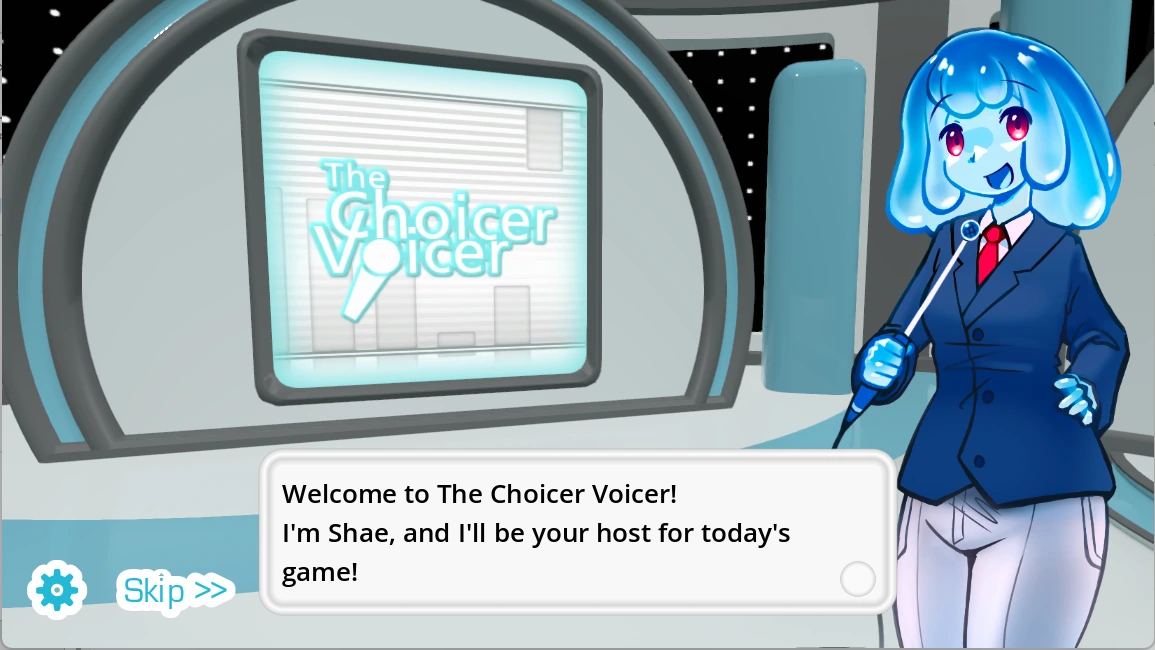
The Choicer Voicer is a customizable game-show party game where microphone performances, vocal impressions, voice packs, computer judges, local multiplayer, and Dub Mode create each session. This The False Sun edition examines the gap between a bright game-show image and the invisible microphone chain beneath it. The browser frame above provides play, while the guide explains permission, voice packs, listening, performance, judging, Dub Mode, local multiplayer, and recording problems.

Begin with using the mouse to prepare content, allowing microphone access, listening closely, performing at comfortable volume, and comparing one changed vocal quality at a time. Use ordinary speech to test the selected microphone before attempting a character. Familiar prompts and controlled volume create a more useful baseline than a large unknown pack or repeated shouting.

Protect your voice, respect recording consent, and use only audio you created, licensed, or have permission to include. The developer reports that some audio setups may fail to record, so test early and treat a silent result as a troubleshooting signal rather than a reason to strain your voice.

The Choicer Voicer the voice behind the false signal screenshot

The Voice Behind the False Signal

The Choicer Voicer uses a bright customizable studio whose host, judges, contestants, menus, and content packs can change while the microphone remains the central control to explore separating performance choices from microphone and permission failures. A studio can look welcoming while the signal path remains uncertain. The player hears a prompt, interprets its character, speaks through a physical microphone, passes operating-system and browser permission, and waits for the embedded game to react. When the result feels wrong, the visible performance and the hidden recording chain can tell different stories. The first skill is learning which one actually failed before changing the voice.

The central interaction is using the mouse to prepare content, allowing microphone access, listening closely, performing at comfortable volume, and comparing one changed vocal quality at a time. Approve microphone access when requested, select the intended input device, click inside the player, and test ordinary speech before a full round. Listen once without talking. Identify words, cadence, pauses, pitch movement, emphasis, and attitude, then reproduce two defining qualities at conversational volume. Keep the microphone at a stable distance. Change one variable on the next take so the comparison reveals whether timing, interpretation, noise, clipping, or device setup caused the difference.

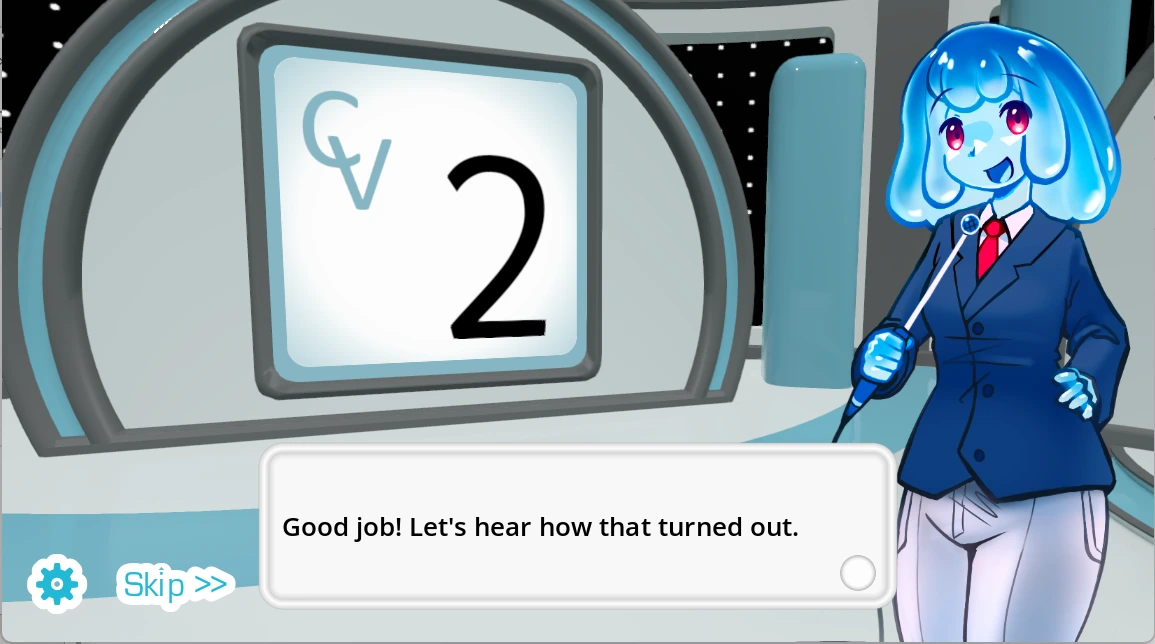
This False Sun edition treats the clean studio image as something that can conceal a missing signal. A confident performance can disappear when permission, input selection, room noise, or audio compatibility breaks the recording chain. The developer describes an early-access project with limited built-in content and known microphone compatibility reports, which means silence may be technical rather than personal. Build short packs from audio you may legally use, gain consent before recording others, and remember that local and streamer modes do not mean online multiplayer. Replay should reveal a clearer performance, not pressure the player into louder or less comfortable behavior.
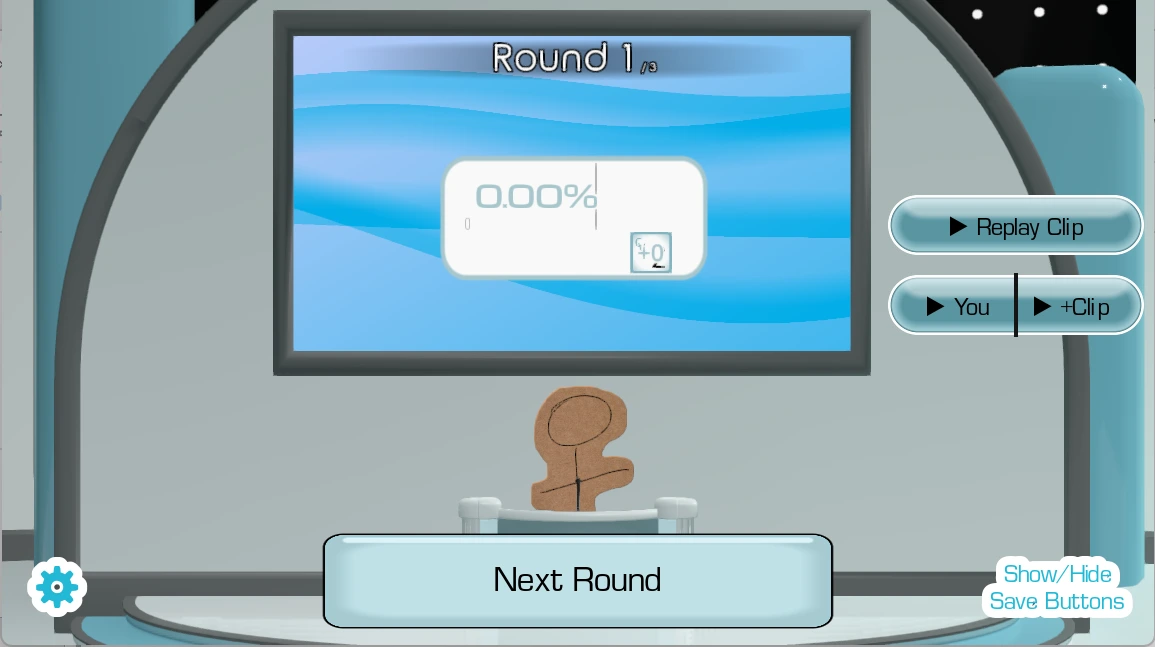
The Choicer Voicer permission is the first control screenshot

Permission Is the First Control

The Choicer Voicer uses a bright customizable studio whose host, judges, contestants, menus, and content packs can change while the microphone remains the central control to explore checking browser access, system privacy, selected input, and player focus before a round. A studio can look welcoming while the signal path remains uncertain. The player hears a prompt, interprets its character, speaks through a physical microphone, passes operating-system and browser permission, and waits for the embedded game to react. When the result feels wrong, the visible performance and the hidden recording chain can tell different stories. The first skill is learning which one actually failed before changing the voice.

The central interaction is using the mouse to prepare content, allowing microphone access, listening closely, performing at comfortable volume, and comparing one changed vocal quality at a time. Approve microphone access when requested, select the intended input device, click inside the player, and test ordinary speech before a full round. Listen once without talking. Identify words, cadence, pauses, pitch movement, emphasis, and attitude, then reproduce two defining qualities at conversational volume. Keep the microphone at a stable distance. Change one variable on the next take so the comparison reveals whether timing, interpretation, noise, clipping, or device setup caused the difference.

This False Sun edition treats the clean studio image as something that can conceal a missing signal. A confident performance can disappear when permission, input selection, room noise, or audio compatibility breaks the recording chain. The developer describes an early-access project with limited built-in content and known microphone compatibility reports, which means silence may be technical rather than personal. Build short packs from audio you may legally use, gain consent before recording others, and remember that local and streamer modes do not mean online multiplayer. Replay should reveal a clearer performance, not pressure the player into louder or less comfortable behavior.
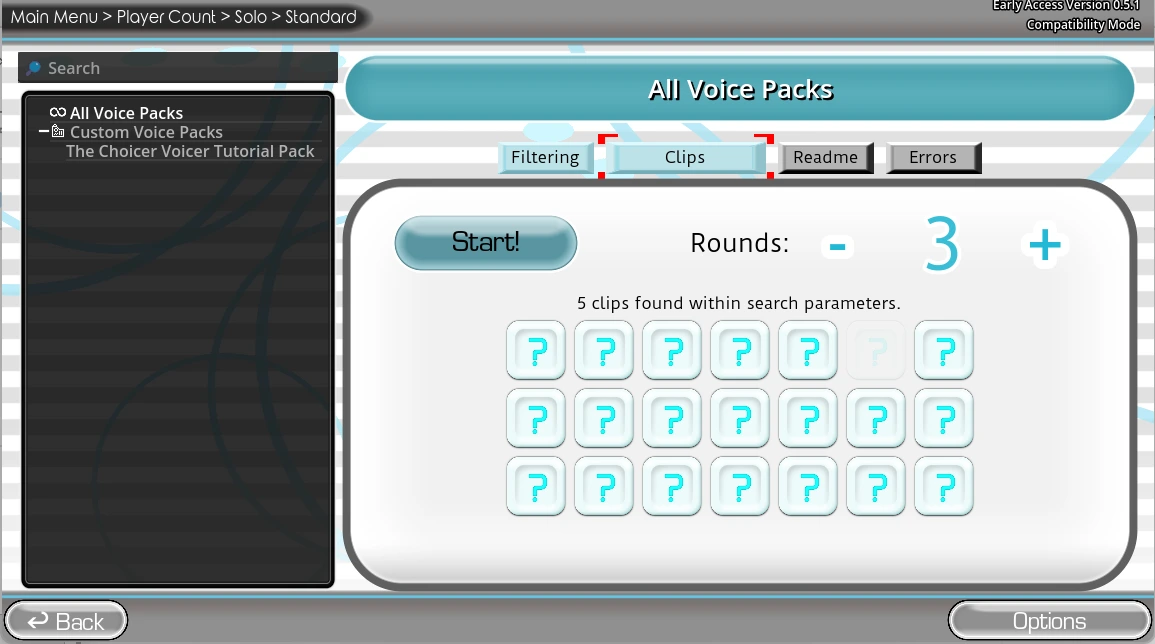
The Choicer Voicer a small pack creates a baseline screenshot

A Small Pack Creates a Baseline

The Choicer Voicer uses a bright customizable studio whose host, judges, contestants, menus, and content packs can change while the microphone remains the central control to explore using familiar licensed prompts so memory does not hide timing and delivery. A studio can look welcoming while the signal path remains uncertain. The player hears a prompt, interprets its character, speaks through a physical microphone, passes operating-system and browser permission, and waits for the embedded game to react. When the result feels wrong, the visible performance and the hidden recording chain can tell different stories. The first skill is learning which one actually failed before changing the voice.

The central interaction is using the mouse to prepare content, allowing microphone access, listening closely, performing at comfortable volume, and comparing one changed vocal quality at a time. Approve microphone access when requested, select the intended input device, click inside the player, and test ordinary speech before a full round. Listen once without talking. Identify words, cadence, pauses, pitch movement, emphasis, and attitude, then reproduce two defining qualities at conversational volume. Keep the microphone at a stable distance. Change one variable on the next take so the comparison reveals whether timing, interpretation, noise, clipping, or device setup caused the difference.

This False Sun edition treats the clean studio image as something that can conceal a missing signal. A confident performance can disappear when permission, input selection, room noise, or audio compatibility breaks the recording chain. The developer describes an early-access project with limited built-in content and known microphone compatibility reports, which means silence may be technical rather than personal. Build short packs from audio you may legally use, gain consent before recording others, and remember that local and streamer modes do not mean online multiplayer. Replay should reveal a clearer performance, not pressure the player into louder or less comfortable behavior.
The Choicer Voicer listen for the shape of a line screenshot

Listen for the Shape of a Line

The Choicer Voicer uses a bright customizable studio whose host, judges, contestants, menus, and content packs can change while the microphone remains the central control to explore breaking a prompt into cadence, pauses, pitch direction, emphasis, volume, and intent. A studio can look welcoming while the signal path remains uncertain. The player hears a prompt, interprets its character, speaks through a physical microphone, passes operating-system and browser permission, and waits for the embedded game to react. When the result feels wrong, the visible performance and the hidden recording chain can tell different stories. The first skill is learning which one actually failed before changing the voice.

The central interaction is using the mouse to prepare content, allowing microphone access, listening closely, performing at comfortable volume, and comparing one changed vocal quality at a time. Approve microphone access when requested, select the intended input device, click inside the player, and test ordinary speech before a full round. Listen once without talking. Identify words, cadence, pauses, pitch movement, emphasis, and attitude, then reproduce two defining qualities at conversational volume. Keep the microphone at a stable distance. Change one variable on the next take so the comparison reveals whether timing, interpretation, noise, clipping, or device setup caused the difference.

This False Sun edition treats the clean studio image as something that can conceal a missing signal. A confident performance can disappear when permission, input selection, room noise, or audio compatibility breaks the recording chain. The developer describes an early-access project with limited built-in content and known microphone compatibility reports, which means silence may be technical rather than personal. Build short packs from audio you may legally use, gain consent before recording others, and remember that local and streamer modes do not mean online multiplayer. Replay should reveal a clearer performance, not pressure the player into louder or less comfortable behavior.

The Choicer Voicer judges reflect but do not define screenshot

Judges Reflect but Do Not Define

The Choicer Voicer uses a bright customizable studio whose host, judges, contestants, menus, and content packs can change while the microphone remains the central control to explore reading automated feedback as playful comparison rather than objective vocal truth. A studio can look welcoming while the signal path remains uncertain. The player hears a prompt, interprets its character, speaks through a physical microphone, passes operating-system and browser permission, and waits for the embedded game to react. When the result feels wrong, the visible performance and the hidden recording chain can tell different stories. The first skill is learning which one actually failed before changing the voice.

The central interaction is using the mouse to prepare content, allowing microphone access, listening closely, performing at comfortable volume, and comparing one changed vocal quality at a time. Approve microphone access when requested, select the intended input device, click inside the player, and test ordinary speech before a full round. Listen once without talking. Identify words, cadence, pauses, pitch movement, emphasis, and attitude, then reproduce two defining qualities at conversational volume. Keep the microphone at a stable distance. Change one variable on the next take so the comparison reveals whether timing, interpretation, noise, clipping, or device setup caused the difference.

This False Sun edition treats the clean studio image as something that can conceal a missing signal. A confident performance can disappear when permission, input selection, room noise, or audio compatibility breaks the recording chain. The developer describes an early-access project with limited built-in content and known microphone compatibility reports, which means silence may be technical rather than personal. Build short packs from audio you may legally use, gain consent before recording others, and remember that local and streamer modes do not mean online multiplayer. Replay should reveal a clearer performance, not pressure the player into louder or less comfortable behavior.

The Choicer Voicer local multiplayer needs consent screenshot

Local Multiplayer Needs Consent

The Choicer Voicer uses a bright customizable studio whose host, judges, contestants, menus, and content packs can change while the microphone remains the central control to explore giving up to four nearby players clean turns, assigned inputs, and control over recording. A studio can look welcoming while the signal path remains uncertain. The player hears a prompt, interprets its character, speaks through a physical microphone, passes operating-system and browser permission, and waits for the embedded game to react. When the result feels wrong, the visible performance and the hidden recording chain can tell different stories. The first skill is learning which one actually failed before changing the voice.

The central interaction is using the mouse to prepare content, allowing microphone access, listening closely, performing at comfortable volume, and comparing one changed vocal quality at a time. Approve microphone access when requested, select the intended input device, click inside the player, and test ordinary speech before a full round. Listen once without talking. Identify words, cadence, pauses, pitch movement, emphasis, and attitude, then reproduce two defining qualities at conversational volume. Keep the microphone at a stable distance. Change one variable on the next take so the comparison reveals whether timing, interpretation, noise, clipping, or device setup caused the difference.

This False Sun edition treats the clean studio image as something that can conceal a missing signal. A confident performance can disappear when permission, input selection, room noise, or audio compatibility breaks the recording chain. The developer describes an early-access project with limited built-in content and known microphone compatibility reports, which means silence may be technical rather than personal. Build short packs from audio you may legally use, gain consent before recording others, and remember that local and streamer modes do not mean online multiplayer. Replay should reveal a clearer performance, not pressure the player into louder or less comfortable behavior.

The Choicer Voicer dub mode extends the performance screenshot

Dub Mode Extends the Performance

The Choicer Voicer uses a bright customizable studio whose host, judges, contestants, menus, and content packs can change while the microphone remains the central control to explore sustaining timing and character over a scene instead of one short judged impression. A studio can look welcoming while the signal path remains uncertain. The player hears a prompt, interprets its character, speaks through a physical microphone, passes operating-system and browser permission, and waits for the embedded game to react. When the result feels wrong, the visible performance and the hidden recording chain can tell different stories. The first skill is learning which one actually failed before changing the voice.

The central interaction is using the mouse to prepare content, allowing microphone access, listening closely, performing at comfortable volume, and comparing one changed vocal quality at a time. Approve microphone access when requested, select the intended input device, click inside the player, and test ordinary speech before a full round. Listen once without talking. Identify words, cadence, pauses, pitch movement, emphasis, and attitude, then reproduce two defining qualities at conversational volume. Keep the microphone at a stable distance. Change one variable on the next take so the comparison reveals whether timing, interpretation, noise, clipping, or device setup caused the difference.

This False Sun edition treats the clean studio image as something that can conceal a missing signal. A confident performance can disappear when permission, input selection, room noise, or audio compatibility breaks the recording chain. The developer describes an early-access project with limited built-in content and known microphone compatibility reports, which means silence may be technical rather than personal. Build short packs from audio you may legally use, gain consent before recording others, and remember that local and streamer modes do not mean online multiplayer. Replay should reveal a clearer performance, not pressure the player into louder or less comfortable behavior.

The Choicer Voicer troubleshooting preserves the voice screenshot

Troubleshooting Preserves the Voice

The Choicer Voicer uses a bright customizable studio whose host, judges, contestants, menus, and content packs can change while the microphone remains the central control to explore responding to known compatibility reports with patient tests instead of repeated shouting. A studio can look welcoming while the signal path remains uncertain. The player hears a prompt, interprets its character, speaks through a physical microphone, passes operating-system and browser permission, and waits for the embedded game to react. When the result feels wrong, the visible performance and the hidden recording chain can tell different stories. The first skill is learning which one actually failed before changing the voice.

The central interaction is using the mouse to prepare content, allowing microphone access, listening closely, performing at comfortable volume, and comparing one changed vocal quality at a time. Approve microphone access when requested, select the intended input device, click inside the player, and test ordinary speech before a full round. Listen once without talking. Identify words, cadence, pauses, pitch movement, emphasis, and attitude, then reproduce two defining qualities at conversational volume. Keep the microphone at a stable distance. Change one variable on the next take so the comparison reveals whether timing, interpretation, noise, clipping, or device setup caused the difference.

This False Sun edition treats the clean studio image as something that can conceal a missing signal. A confident performance can disappear when permission, input selection, room noise, or audio compatibility breaks the recording chain. The developer describes an early-access project with limited built-in content and known microphone compatibility reports, which means silence may be technical rather than personal. Build short packs from audio you may legally use, gain consent before recording others, and remember that local and streamer modes do not mean online multiplayer. Replay should reveal a clearer performance, not pressure the player into louder or less comfortable behavior.

Watch The Choicer Voicer Videos

Gameplay Video

Watch The Choicer Voicer video 1 for additional gameplay context.

Walkthrough Video

Watch The Choicer Voicer video 2 for additional gameplay context.

The Choicer Voicer FAQ

What is The Choicer Voicer?

The Choicer Voicer is a customizable game-show party game where microphone performances, vocal impressions, voice packs, computer judges, local multiplayer, and Dub Mode create each session.

How do I play The Choicer Voicer?

Use the mouse for setup, allow microphone access, listen to a prompt, perform the impression, and compare the response.

Why is microphone permission required?

Voice is the main input, so the browser and operating system must explicitly allow recording.

Why can the game not hear me?

Check site permission, system privacy, input selection, other recording apps, player focus, and whether stereo output works.

What is a voice pack?

A voice pack is a prompt collection. Start small and use only audio you created, licensed, or have permission to use.

How many local players are supported?

The published project information describes local multiplayer for up to four players.

What is Dub Mode?

Dub Mode lets players perform voiceover across scenes, emphasizing timing and sustained character delivery.

Is online multiplayer available?

No. The developer states that online multiplayer is not currently available.

Are judge scores perfectly accurate?

No. Treat them as playful comparative feedback rather than an objective assessment of acting skill.

How can I protect my voice?

Use conversational volume, drink water, avoid repeated shouting, and stop if your throat feels strained.