Suzy Says is a first-person rules-based survival horror game built around a deceptively familiar activity. You return home and discover an interactive DVD alongside colored floor mats. That combination suggests an ordinary living-room game, but the instructions turn attention and movement into sources of pressure. The central idea resembles Simon Says: hearing an instruction is not necessarily the same as receiving permission to follow it. Your task is to pay attention to the conditions attached to commands rather than treating every spoken action as an immediate invitation to move.
This page approaches the game as a listening and observation challenge, not as a collection of secret solutions. The useful questions are practical ones: what instruction did you actually receive, which part of that instruction matters, and are you ready to carry out the required movement? Those questions remain useful without revealing a scene or inventing a route through the story. They also distinguish this experience from a conventional action game where moving faster is usually an advantage. Here, an early response can be just as unhelpful as a hesitant one.
The contrast between a domestic setting and an increasingly uncomfortable activity is central to the premise. Colorful mats and an interactive DVD are recognizable objects, so the situation does not need an elaborate fantasy setting to feel wrong. Take time to notice how the presentation directs your attention, but do not assume every visual detail is a puzzle clue. The notes below describe preparation and decision habits, not verified hidden triggers. They deliberately leave discoveries to the game rather than promising a particular ending.
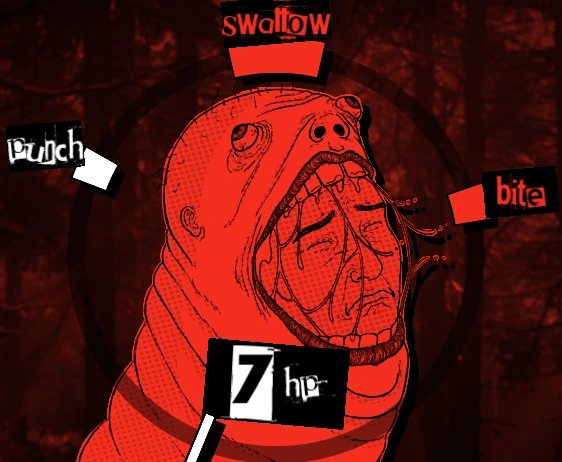
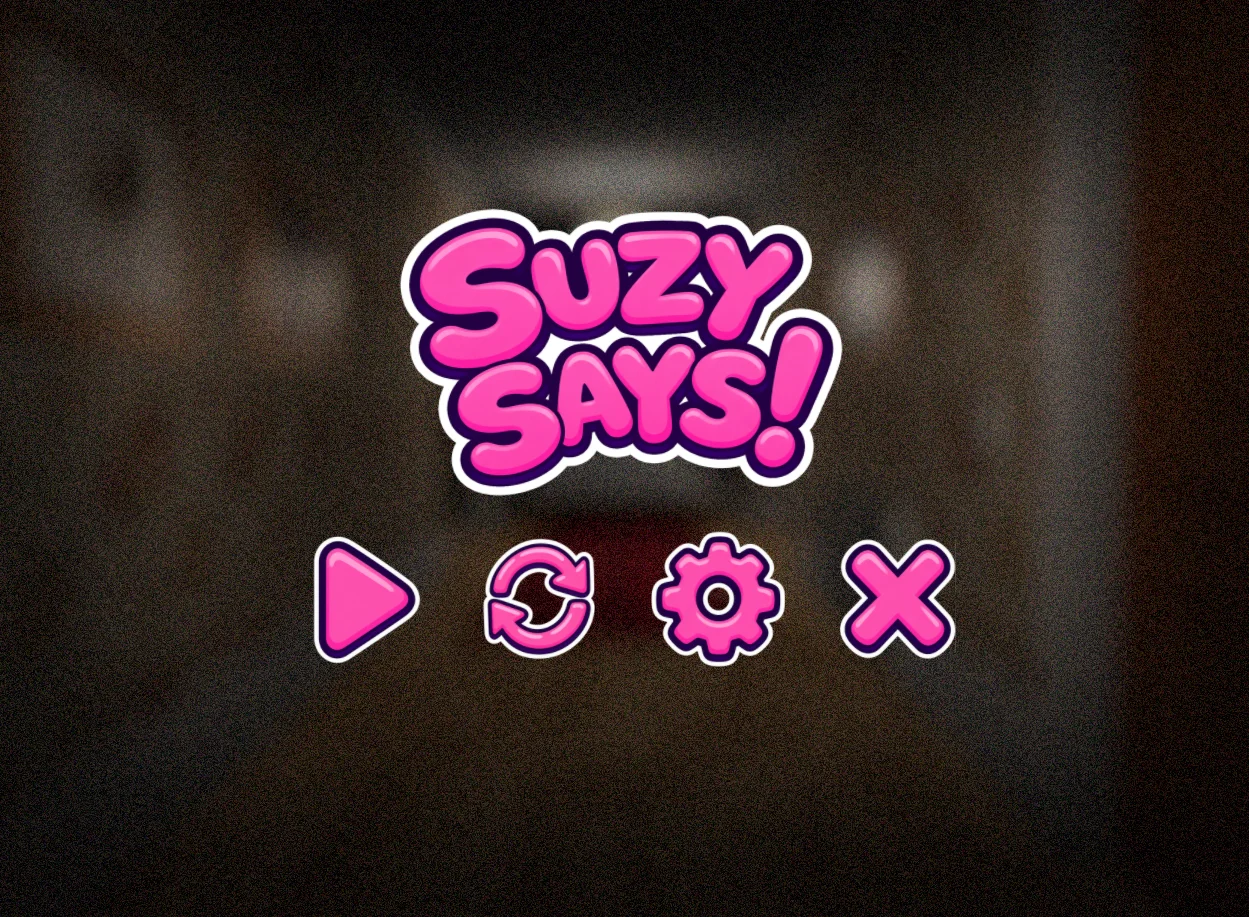
Existing gameplay capture: the pink menu and its action icons.
Prepare the browser before the first instruction
The embedded Suzy Says release is a Construct 3 web adaptation. Its initial load is approximately 256 MB, which is substantial for a browser game and can take a while on a slow connection. Start when you have time to wait and consider your data allowance before pressing play. A quiet loading interval is not proof that the game has crashed. Repeatedly refreshing during that interval can restart work and make it harder to tell whether the original load was progressing. This page does not display a verified download percentage or estimate an exact waiting time.
The cover is a deliberate start gate: the game frame is created only after you choose to launch it. Before that, you can read the controls, review the content warning, and decide whether this is a comfortable activity for you. Once the embedded game appears, click inside its frame before using the keyboard. Browser focus matters because a key sent to the surrounding page may scroll the document rather than control the player. If an expected input does not respond, check focus before assuming the game uses a different command.
If loading remains unresolved, check whether your connection is working and whether the browser is restricting embedded content. A later retry can be reasonable, but no retry is guaranteed to repair a host-side failure. Avoid clearing unrelated browser data as a first response. The game stays embedded on this page; there is no top-level direct-opening fallback. We have not verified every browser, device, or host configuration, so availability and performance should be treated as conditions to check rather than promises made by this guide.
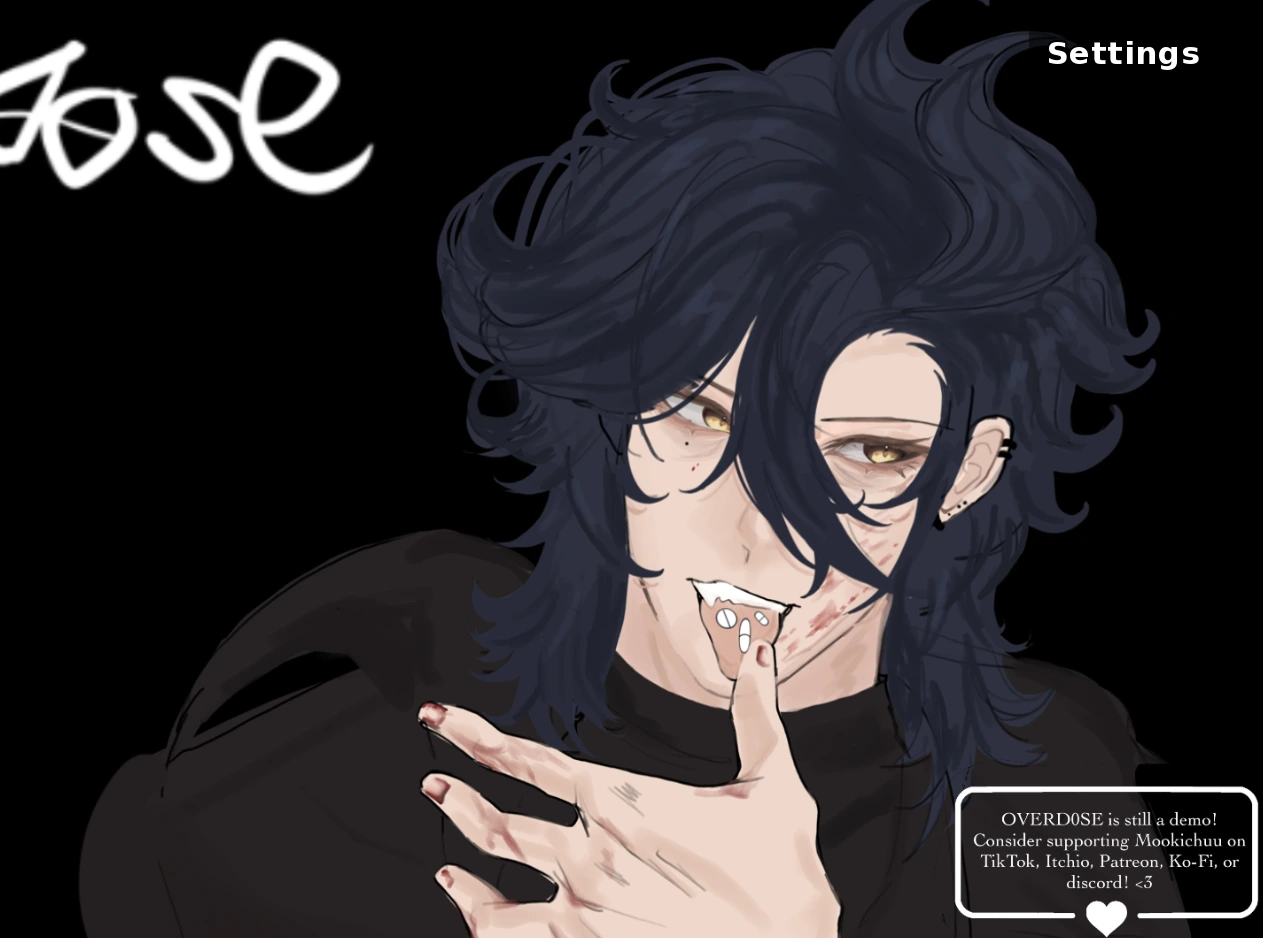
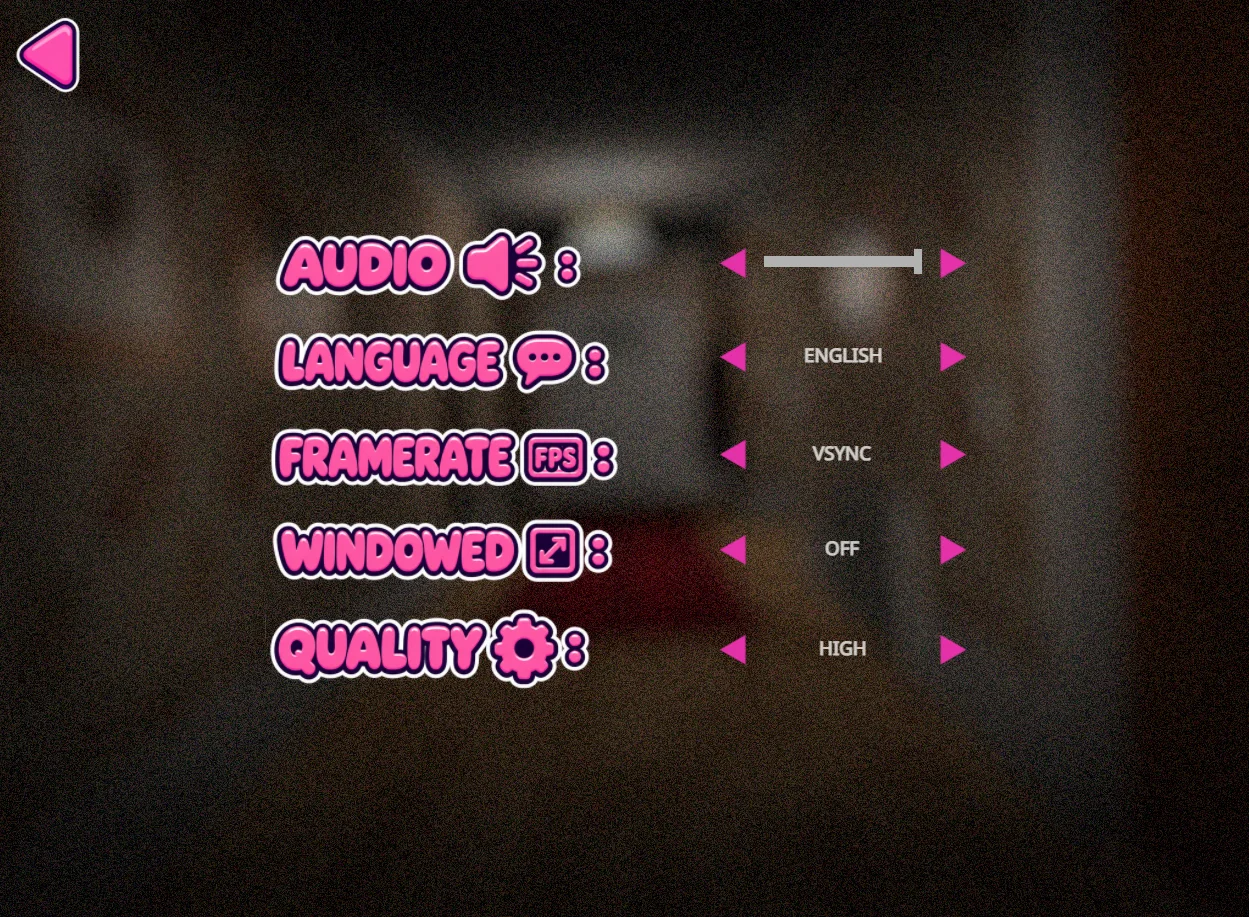
Existing settings capture. Visible options do not certify performance on every device.
Separate understanding from movement
The stated keyboard controls are WASD to move, Space to jump, and C to crouch. Keep those three actions distinct in your mind before trying to respond under pressure. Moving toward a colored area, jumping, and crouching are different physical inputs, even when the surrounding presentation encourages quick reactions. There is no reason to invent extra controls or assume that a key used in another horror game will work here. Follow instructions actually shown by this build whenever they clarify how an interaction should be performed.
A useful mental sequence is to listen, interpret, and then act. First identify the words you heard. Next decide whether the command satisfies the current rule. Only then choose the appropriate movement input. This is a general decision aid, not a claim that the game gives you unlimited time. If the current sequence is time-sensitive, its own timing takes precedence. Practicing this separation can still reduce the tendency to copy an action automatically just because it is presented confidently or because you recognize the requested movement.
Do not turn that habit into a rigid invented rule. The game is the authority on its current instructions, and this page cannot replace information presented inside the frame. A guide that guesses exact command sequences or timing windows could make a first attempt worse. Instead, pay attention to the relationship between the instruction and your response. When something goes wrong, ask whether you misunderstood the wording, selected the wrong action, or simply failed to focus the frame. Those are different problems and call for different adjustments.
Use the colored mats as orientation, not a guessed solution
The colored floor mats are part of the confirmed setup in Suzy Says. They give the room a clear visual structure, but this guide does not assign an undocumented meaning to a particular color or claim a safe order for visiting them. Before reacting, establish where you are looking and where the relevant area sits relative to your current position. First-person movement can make a familiar layout feel different after a turn. Rechecking orientation is more useful than assuming that a direction remembered from an earlier view still points toward the same place.
Keep observation specific. Remembering that you moved left is less informative than remembering which instruction you were trying to follow and what you could see at the time. If you choose to take notes between attempts, record only things you actually observed. Avoid converting one uncertain outcome into a universal rule. A single failure does not establish that a mat is always dangerous, and a successful action does not prove the same response will fit every later instruction. Context matters more than an attractive but unsupported shortcut.
The aim is not to eliminate surprise from a horror game. It is to reduce avoidable confusion so that the tension comes from the experience rather than from forgotten controls or an unclear browser state. Leave room for the game to introduce information on its own terms. This guide intentionally contains no claimed winning route, hidden combination, or ending checklist. If you want to compare an attempt with a video, first decide whether seeing later scenes would reduce your enjoyment of discovering them yourself.
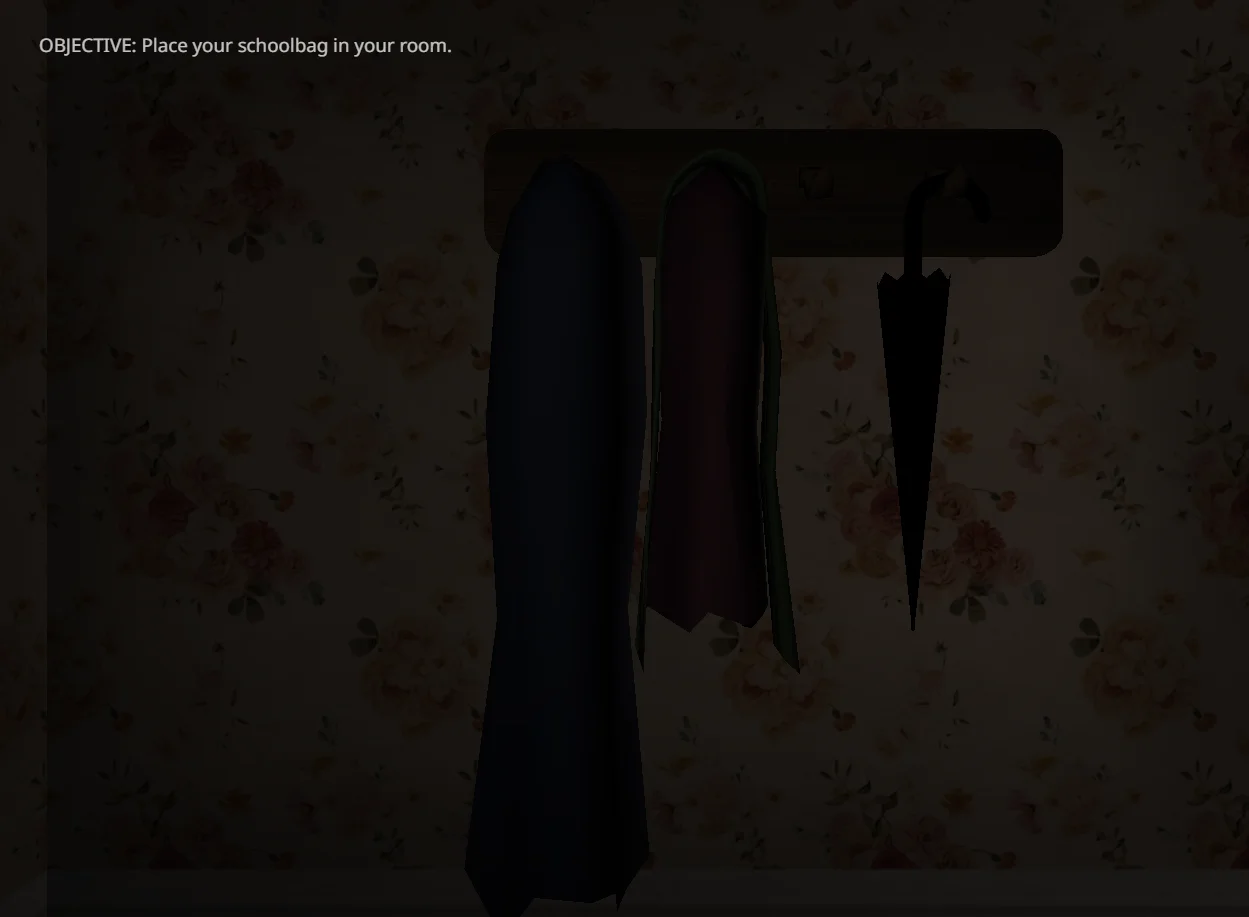
Existing opening-room capture: the displayed objective is to place your schoolbag in your room.
Manage discomfort and interruptions deliberately
Expect flashing imagery, jump scares, and unsettling themes. Those warnings are relevant before the launch button, not only after a frightening scene. Choose a comfortable volume and stop if the experience becomes unpleasant. Headphones are a preference, not a requirement, and louder sound is not a substitute for careful attention. If flashing content is unsuitable for you, choosing not to play is a valid decision. This page cannot certify a reduced-flashing mode or promise that an unexpected sequence will be mild.
Browser navigation and game state are separate things. Moving focus away from the frame, switching tabs, or using a website control should not be assumed to pause the game. The preparation checklist below does not send commands to the embedded application. Likewise, resetting that checklist clears only its marked items; it does not restart the game or erase a save. This distinction matters when an interruption happens. Use only a pause function that the game itself presents and confirms, rather than relying on an unrelated button elsewhere on the page.
For a second attempt, choose one practical adjustment rather than changing everything at once. You might check frame focus, recall the jump key, or listen more carefully before moving. That makes it easier to understand whether your adjustment helped. There is no promised number of attempts needed to finish, and this guide does not certify a completion time. Treat progress as your own observation, not as a comparison with a video creator who may have practiced or edited the material being shown.
Understand the adaptation and use videos carefully
The original full release has been described as including endless play and hidden endings, but those features have not been confirmed in this hosted adaptation. Their existence elsewhere is not evidence that every mode, event, or ending is reachable here. This page therefore does not advertise a guaranteed complete edition. If your goal depends on a specific feature, inspect the options actually available in the embedded build before investing time in a long session. An absent option should not be explained away with an invented unlocking procedure.
Touch adaptation exists for the hosted game, but real-phone play has not been verified. A responsive surrounding page and a correctly proportioned frame do not establish that movement, jumping, crouching, audio, and every later interaction work comfortably on a phone. Desktop keyboard play is the documented control reference here. On a touch device, examine the controls that are actually displayed and stop if an essential action is unavailable. Neither rotating the screen nor enlarging the frame is a guarantee of full mobile compatibility.
Two supplied videos are available below as optional viewing material. They may reveal scenes you would rather discover yourself, and a video can show a different release or a different stage of play. Use them to compare presentation cautiously, not as proof that this host contains every feature visible in the recording. The best starting point remains the embedded game, its own instructions, and an honest account of what you have personally observed. Return to these notes when you need controls, loading context, or a reminder of the limits of this browser adaptation.
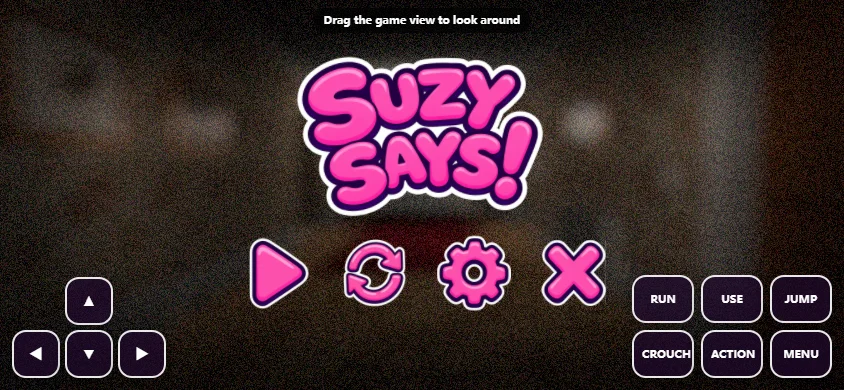
Existing touch-layout capture, not proof of verified real-phone compatibility.
Optional videos
Suzy Says video 1
Optional viewing; may contain spoilers and show a different release.
Suzy Says video 2
Optional viewing; may contain spoilers and show a different release.
Suzy Says FAQ
What is Suzy Says?
A first-person rules survival horror game involving an interactive DVD, colored floor mats and Simon Says-like commands.
What are the keyboard controls?
Use WASD to move, Space to jump and C to crouch. Focus the embedded frame before using these inputs.
Why can the first load take a long time?
The Construct 3 web adaptation loads approximately 256 MB initially. Connection speed and device resources affect waiting time.
Is this guaranteed to be the full release?
No. Feature parity with the original full release has not been verified for this host.
Are endless mode and hidden endings available?
Those features are associated with the original full release; their availability in this adaptation is unconfirmed.
Can I play on a phone?
Touch adaptation exists, but real-phone play and full input coverage have not been verified. Mobile compatibility is not guaranteed.
What content warnings should I read?
Expect flashing imagery, jump scares and unsettling themes. Stop or skip the game if those elements are unsuitable for you.
Does resetting the checklist restart the game?
No. It only clears the preparation checklist on this page, without controlling the embedded game.